RankForge
Professional Boosting for
LoL · TFT · Valorant · CS2 · Wild Rift · Marvel Rivals · Overwatch · 2XKO — Verified Boosters, Offline Mode & VPN on Every Order
Verified Boosters · Challenger-Level Expertise · Secure & Discreet
 LoL🇺🇸 Alex*** boosted Silver IV → Gold II1 day ago·
 Valorant🇩🇪 Marc*** boosted Gold III → Platinum I1 day ago·
 CS2🇬🇧 Tom*** boosted 8,500 Rating → 13,200 Rating2 days ago·
 TFT🇫🇷 Luc*** boosted Bronze III → Silver IV2 days ago·
 Wild Rift🇧🇷 Fel*** boosted Gold II → Platinum IV3 days ago·LoL🇰🇷 Jae*** boosted Emerald I → Diamond IV3 days ago·
 Marvel Rivals🇨🇦 Sam*** boosted Gold III → Platinum I4 days ago·Valorant🇦🇺 Riley*** boosted Platinum II → Diamond I4 days ago·
 Overwatch🇯🇵 Hiro*** boosted Gold → Platinum5 days ago·TFT🇳🇱 Lars*** boosted Silver II → Gold III5 days ago·CS2🇸🇪 Erik*** boosted 15,000 Rating → 21,400 Rating6 days ago·LoL🇲🇽 Mig*** boosted Diamond II → Master7 days ago·LoL🇺🇸 Alex*** boosted Silver IV → Gold II1 day ago·Valorant🇩🇪 Marc*** boosted Gold III → Platinum I1 day ago·CS2🇬🇧 Tom*** boosted 8,500 Rating → 13,200 Rating2 days ago·TFT🇫🇷 Luc*** boosted Bronze III → Silver IV2 days ago·Wild Rift🇧🇷 Fel*** boosted Gold II → Platinum IV3 days ago·LoL🇰🇷 Jae*** boosted Emerald I → Diamond IV3 days ago·Marvel Rivals🇨🇦 Sam*** boosted Gold III → Platinum I4 days ago·Valorant🇦🇺 Riley*** boosted Platinum II → Diamond I4 days ago·Overwatch🇯🇵 Hiro*** boosted Gold → Platinum5 days ago·TFT🇳🇱 Lars*** boosted Silver II → Gold III5 days ago·CS2🇸🇪 Erik*** boosted 15,000 Rating → 21,400 Rating6 days ago·LoL🇲🇽 Mig*** boosted Diamond II → Master7 days ago·
What we offer

League of Legends

Teamfight Tactics

Valorant
CS2
Wild Rift
2XKO
Marvel Rivals
Overwatch
LoL Boosting
Professional boosters climb your account to your desired rank. Safe, fast, guaranteed.
LoL Coaching
Train with Challenger coaches. Learn winning strategies and break your rank ceiling.
Our Key Features
Every order across LoL, TFT, Valorant, CS2, Wild Rift, Marvel Rivals, Overwatch, and 2XKO ships with the same premium safeguards — offline mode, encrypted sessions, round-the-clock support, and loyalty cashback.
Dedicated 24/7 Support
Live chat, phone and ticket coverage around the clock, with specialists handling every stage of your order.
Strict Offline Mode
Boosters play in offline mode so your activity stays invisible to friends, clubs and recent teammates.
Automated VPN Protection
Every session runs through a region-matched VPN, keeping your login pattern clean and your account shielded.
Rewards & Cashback
Earn 3–10% back on every completed order, plus stacking discounts and ongoing loyalty perks.
How It Works
From your current rank to your goal — in three clean steps. No friction, no waiting around.
Select Rank
Pick your current rank and your target. Choose options like Solo/Duo, server, role and champion pool — pricing updates instantly.
 Iro
Iro Bro
Bro Sil
Sil Gol
Gol Pla
Pla Eme
Eme Dia
Dia MasIroBroSilGolPlaEmeDiaMas
Pay Securely
Checkout with PayPal, card, Apple Pay, Google Pay or Klarna. 256-bit SSL encryption and buyer protection on every order.
Silver IVGold IV




Rank Up
A verified Challenger booster climbs your account in offline mode behind a region-matched VPN — discreet, fast and guaranteed.
What Players Say
Real feedback from players across LoL, Valorant, TFT, CS2, Wild Rift, Marvel Rivals, Overwatch, and 2XKO. Honest results, verified boosters.
"clean amazing best in the game"
"Short and sweet, great experience"
"Brown was super professional and very helpful. 10/10 would choose again for any future services!"
Guaranteed
Every order across LoL, TFT, Valorant, CS2, Wild Rift, Marvel Rivals, Overwatch, and 2XKO is covered by the RankForge Guarantee. Verified boosters. Shielded sessions. Transparent buyer protection.
Verified Professional Boosters
Every booster passes multi-stage verification — rank proof, conduct review and ongoing performance checks.
Account & Data Protection
Region-matched VPN & 256-bit SSL encryption keep your account shielded and your data private.
Buyer Protection
Orders that miss expectations qualify for transparent refunds. No hidden fees. No games.
Latest blog
LoL, TFT, Valorant, CS2, Wild Rift, Marvel Rivals, Overwatch, and 2XKO guides, patch breakdowns, and rank climbing tips from our verified boosters.
 6 min readMay 18, 2026
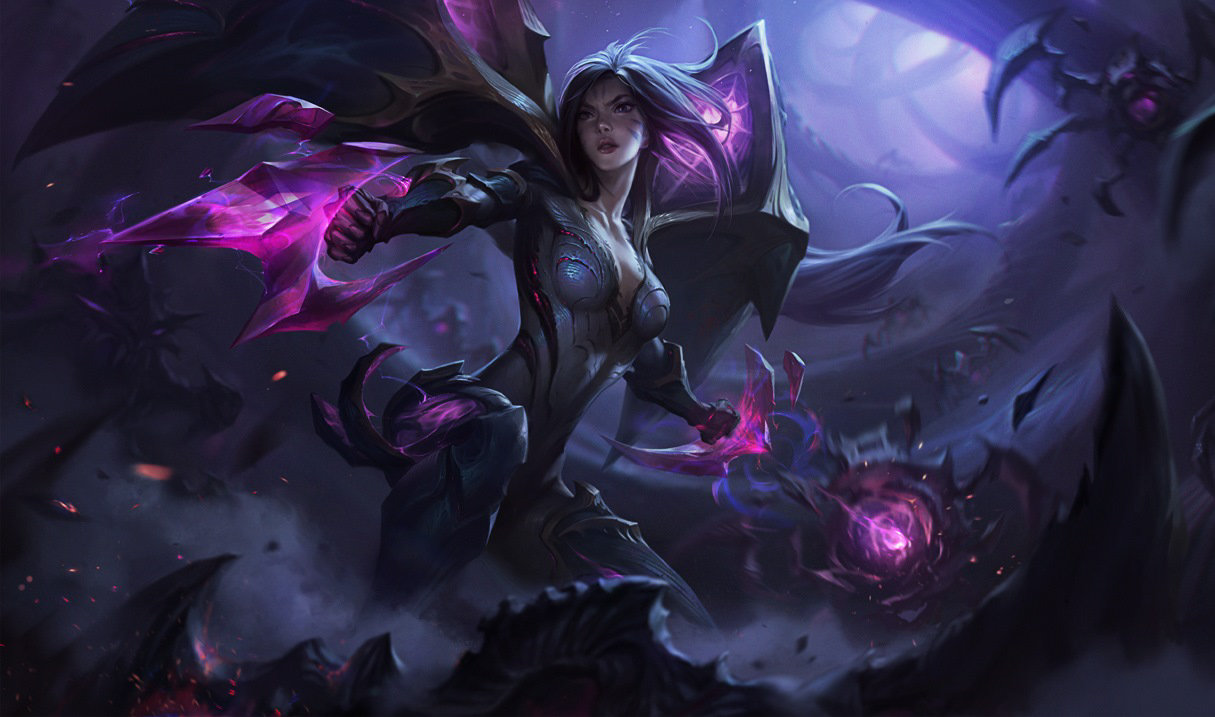
How to Escape Emerald Elo in League of Legends Season 16
Emerald is one of the most punishing soft-elo-hell brackets in Season 16. Here are the practical systems that actually move you out.
5 min readMay 18, 2026Overwatch Season-End Timing: When to Buy a Boost
Plan your Overwatch boost order around season-end cutoffs for safest delivery and best price.
5 min readMay 17, 2026Overwatch Duo vs Solo Boost: Which Mode Wins?
Compare duo and solo Overwatch boosting on speed, safety and player learning value.
Next-Generation Boosting · Est. 2025
Stop Grinding. Start Winning.
Built from the ground up in 2025 — RankForge is a new generation boosting platform with Challenger-verified boosters, real-time order tracking, live chat, and 24/7 support across LoL, TFT, Valorant, CS2, Wild Rift and more.
Got Questions?